
Walk down any city street and you will pass dozens of posters in a single block. Most fade into background noise. A few stop you in your tracks. So what makes a good poster design work when others fail? It comes down to a handful of core principles that separate forgettable visuals from impactful ones.
In this guide, we break down the 8 elements every designer should master, with real-world examples and practical tips you can apply to your next project today.
Why Most Posters Fail Before They Are Even Seen
The average viewer decides whether to engage with a poster in roughly 3 seconds. If your design does not communicate its message instantly, it is invisible. Poor posters typically suffer from the same handful of problems: too much text, weak focal points, cluttered layouts, and forgettable typography. The good news is that all of these are fixable once you understand the fundamentals.
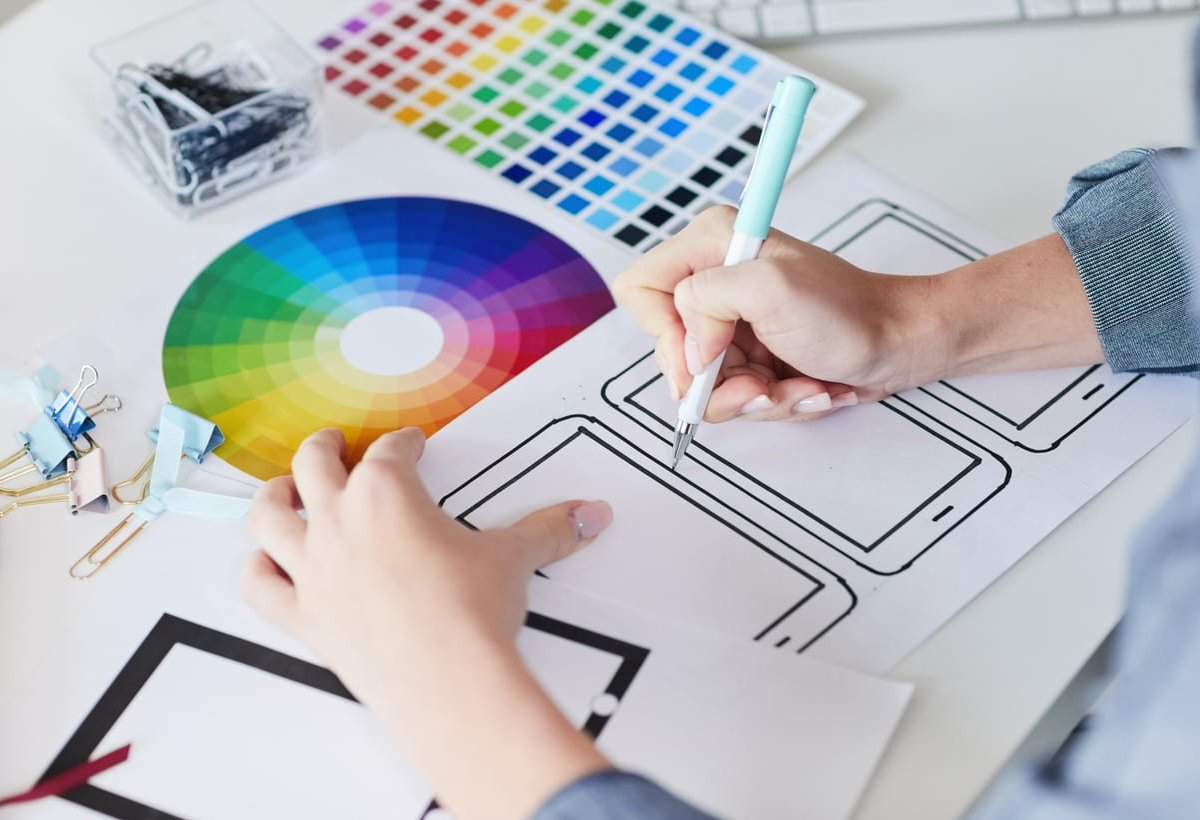
The 8 Key Elements of Effective Poster Design
1. Visual Hierarchy
Hierarchy tells the viewer where to look first, second, and third. Without it, every element competes for attention and the entire message collapses.
- Primary element: the headline or hero image (largest, boldest)
- Secondary element: the subhead or supporting visual
- Tertiary element: dates, locations, fine print
Practical tip: Squint at your poster. If you cannot identify the main message in two seconds, your hierarchy needs more contrast in size or weight.
2. A Strong Focal Point
Every great poster has one thing your eye lands on first. Think of the Apple silhouette dancers from the iPod campaign, or the bold typography of a Saul Bass film poster. The focal point can be a face, a shape, a single word, or a striking color block, but it must be unmistakable.
Practical tip: Place your focal point along the rule of thirds or in the center for maximum impact. Resist the urge to add multiple competing heroes.
3. Contrast That Pulls the Eye
Contrast is the engine of readability. It works on multiple levels: light versus dark, large versus small, thick versus thin, warm versus cool.
| Type of Contrast | Use Case |
|---|---|
| Value (light vs dark) | Making text pop from backgrounds |
| Scale | Establishing hierarchy |
| Color | Creating emotion and drawing attention |
| Typography weight | Separating headlines from body copy |
4. Smart Typography Choices
Typography is not decoration, it is voice. A horror film poster set in Comic Sans loses all credibility. A bank ad set in a graffiti font feels untrustworthy. Match the typeface to the message.
- Stick to two typefaces maximum on a single poster
- Pair a display font (for headlines) with a clean sans-serif or serif (for body)
- Mind your kerning and leading, especially at large sizes
- Avoid all caps for long passages, it kills readability
5. Strategic Use of White Space
White space (also called negative space) is not wasted space. It gives your content room to breathe and prevents the viewer from feeling overwhelmed. A common guideline suggests roughly 30% of your poster should be white space, 40% text and title, and 30% imagery.
Practical tip: Before adding one more element to a busy poster, try removing two instead. Restraint reads as confidence.
6. A Purposeful Color Palette
Color triggers emotion before the brain processes any words. Red feels urgent, blue feels trustworthy, yellow feels optimistic, black feels premium. Limit yourself to 2 or 3 dominant colors plus one accent for calls to action.
- Use a color wheel for harmonious combinations (complementary, analogous, triadic)
- Test your palette in grayscale to ensure the design still works on contrast alone
- Consider where the poster will hang. Indoor lighting and outdoor sunlight render colors very differently
7. Balance and Composition
Balance can be symmetrical (formal, stable) or asymmetrical (dynamic, modern). Neither is inherently better, but every element on the poster should feel intentional. A heavy block of text on the left needs visual weight on the right to avoid feeling tilted.
Practical tip: Flip your poster horizontally. If the composition still feels balanced when mirrored, you have nailed it.
8. A Clear, Singular Message
The best posters say one thing well. They do not try to be a brochure. Whether you are advertising a concert, a conference, or a cause, ask yourself: what is the one takeaway I want a passerby to remember? Build every other decision around that answer.

Quick Checklist Before You Export
- Can someone read the main message from 10 feet away?
- Is there one obvious focal point?
- Have you used no more than 2 typefaces and 3 colors?
- Does the poster breathe with enough white space?
- Have you included a clear call to action (date, URL, QR code)?
- Does it still look good in grayscale?

Common Mistakes to Avoid
- Too much text: Posters are not essays. Cut ruthlessly.
- Low-resolution images: Always design at print resolution (300 DPI minimum)
- Centering everything by default: Centered alignment can feel static. Mix it up
- Ignoring print bleeds: Add 3 to 5 mm of bleed to avoid white edges after trimming
- Forgetting the viewing distance: A subway poster and a desk flyer require very different scales

Real-World Inspiration
Study the masters. Look at the work of Paula Scher, Stefan Sagmeister, Saul Bass, and the Swiss International Style. Notice how they almost always strip designs down to essentials: one bold idea, one strong type choice, one unforgettable image. That restraint is exactly what makes a good poster design memorable decades after it was printed.
Frequently Asked Questions
What are the five qualities of a good poster?
A strong poster typically has a clear focal point, readable typography, balanced composition, a purposeful color palette, and a single memorable message.
What is the most important element in poster design?
Visual hierarchy is arguably the most important. Without it, the viewer does not know where to look, and the message is lost regardless of how beautiful the rest of the design is.
How much text should a poster contain?
As little as possible. A good rule is that text and titles should occupy around 40% of the design, with the rest split between imagery and white space. If a passerby cannot grasp the message in 3 seconds, there is too much text.
Should I use serif or sans-serif fonts on posters?
Both work, it depends on tone. Serif fonts feel traditional, editorial, or elegant. Sans-serif fonts feel modern, bold, and clean. What matters more is contrast between the headline and body type, plus excellent readability at distance.
How do I make my poster stand out?
Be bold and minimal. Pick one striking visual or typographic idea, give it room to breathe, use high-contrast color, and resist the temptation to add more. Restraint almost always beats complexity.
Final Thoughts
Understanding what makes a good poster design is not about following a rigid formula. It is about mastering the fundamentals (hierarchy, focal point, contrast, typography, white space, color, balance, and message) and then knowing when to bend them for creative effect. Start with these 8 elements, apply them ruthlessly, and your posters will move from forgettable to impossible to ignore.